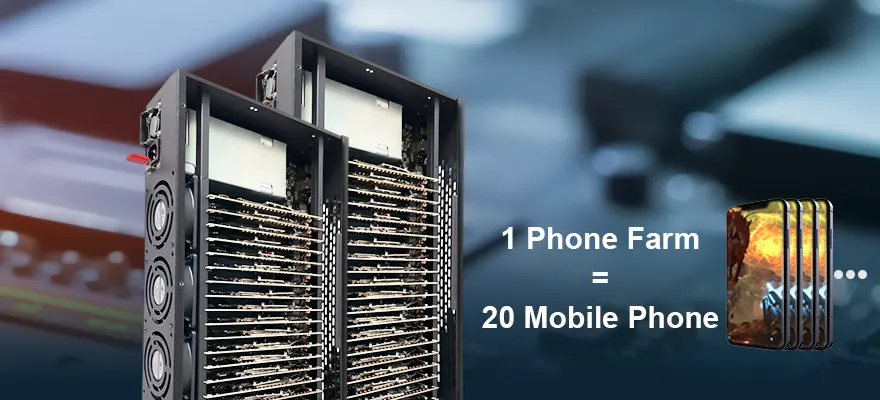



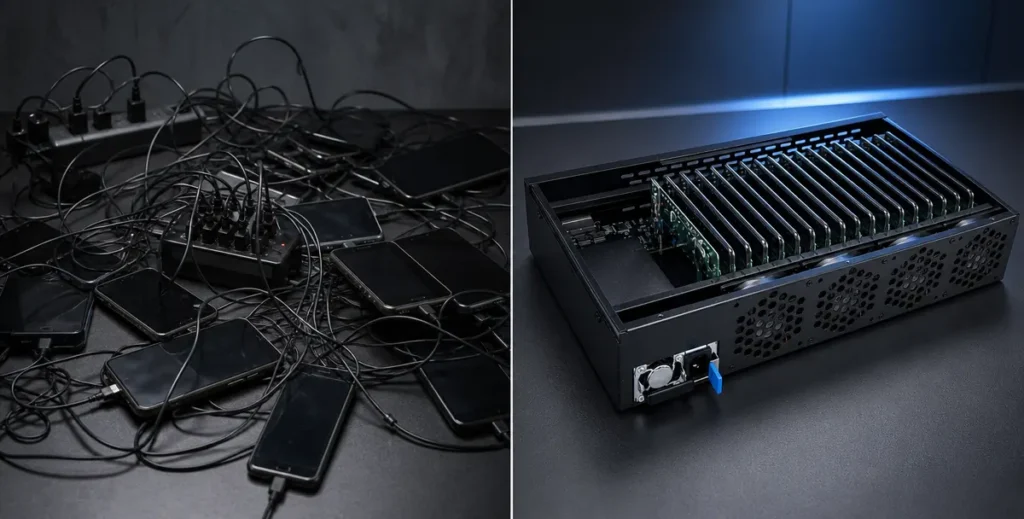
I still remember the first time I walked into a client’s server room a few years ago. They were running about 100 mobile devices for an automation project. The setup? A messy stack of plastic acrylic boards, a nightmare web of USB cables, and standard wall chargers plugged into cheap power strips. Within ten minutes, I could smell the hot plastic.
Half of their phone batteries were swollen like balloons, and their disconnect rate was hovering around 30%.
As someone who spends every day on the manufacturing floor designing and testing mobile device management hardware, I see this all the time. People spend thousands on software, only to bottleneck their entire operation with a DIY, scattered hardware setup.
If you’re scaling up your mobile automation, social media matrix, or app testing, you need to transition to professional hardware. In this guide, I’ll walk you through exactly how to set up a 20‑node phone farm box from scratch: the same steps we use in our testing labs to ensure 24/7 stability, and the expensive mistakes most beginners make.
Who this guide is for:
Teams and operators running 20–100+ Android devices for social automation, app testing, proxy networks, or other high‑load mobile workloads who want stable ADB, low disconnect rates, and minimal downtime.
Why a 20‑Node Enclosure? (The Ugly Truth About Heat and Power)
Before we get our hands dirty, let’s talk about why we, as manufacturers, consider the 20‑node enclosed system the “sweet spot” for scalable mobile automation.
When you cram 20 motherboards or smartphones into a tight space and run them at high CPU loads, two things happen:
- Power fluctuation
- Severe thermal throttling
An open‑air DIY rack might look cool on Reddit, but in a commercial environment:
- Dust builds up
- Passive cooling fails
- Data transfer drops
A dedicated 20‑slot phone farm enclosure solves this by:
- Forcing a directed wind tunnel effect (active cooling)
- Utilizing centralized industrial power supplies (PSUs) instead of standard consumer chargers
The result: lower disconnect rates, fewer random reboots, and hardware that can actually run 24/7.
The Hardware Checklist: What You Actually Need
Forget the Amazon shopping list of cheap hubs. Here’s what we actually use when assembling commercial‑grade boxes at the factory.
1. The Chassis
- A metal 20‑slot phone farm enclosure
- Custom airflow vents and fan mounting points
- Avoid plastic: it deforms under heat and doesn’t dissipate well
2. The Nodes
- 20 identical smartphones or bare mobile motherboards
- Samsung models are highly recommended for their stable ADB connections
3. Centralized Power Supply
- Industrial 5V/40A (or higher) PSU
- Example: Mean Well LRS‑200‑5 (200W, 5V, 40A) class modules
4. Data Hubs
- High‑bandwidth, externally powered USB hubs
- USB 3.0 minimum to prevent data bottlenecking
- Prefer designs with one controller per 8–10 ports for stability
5. Cooling System
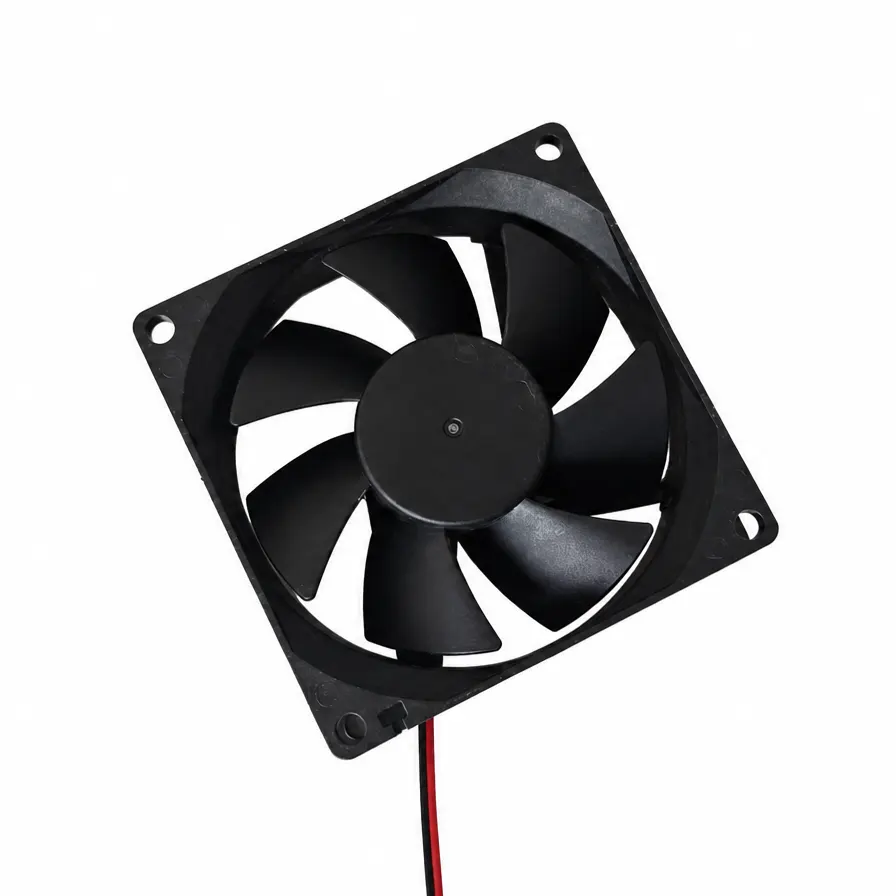
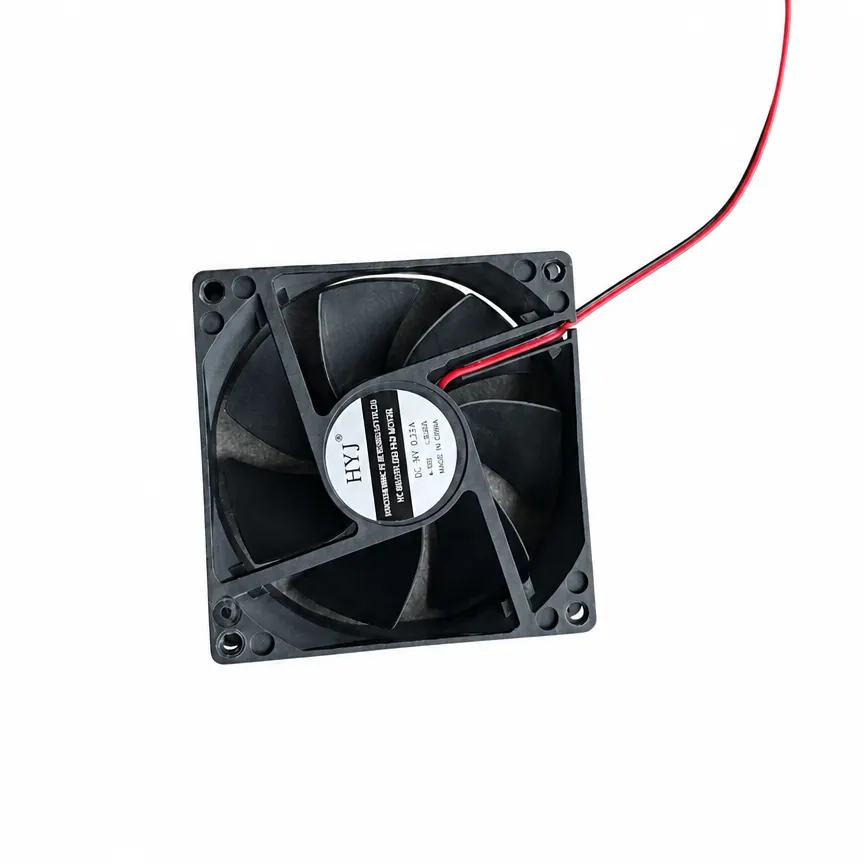
- High‑RPM 120mm or 140mm server‑grade fans
- Push‑pull configuration (intake + exhaust)
- Optional smart fan controllers for noise/thermal balance
6. Cabling
- Short, shielded Type‑C or Micro‑USB cables
- Keep lengths under 20cm (≈8 inches) to minimize voltage drop
- Avoid standard 3‑foot cables; they kill stabilityTip: If you’d rather skip DIY, we offer ready‑to‑run 20‑node Phone Farm Boxes with balanced power, airflow, and USB architecture. See our hardware lineup →
Step‑by‑Step Phone Farm Setup: From Empty Box to Live Nodes
This is the exact process our assembly team follows.
Step 1: Prep the Chassis and Install the PSU
- Open the enclosure and locate the PSU mounting area (base or rear).
- Secure the industrial power supply with the provided screws and standoffs.
- Double‑check ground wiring. Bad grounding can cause micro‑surges that fry entire rows of motherboards.
Step 2: Mount the Motherboards / Devices
- Slide your 20 devices or bare motherboards into the acrylic or metal slots.
- If you’re using a professional box (like ours), these slots are pre‑measured.
- Warning: Do not jam them in. Leave a few millimeters of clearance between each device. That tiny gap is where cooling fans will force cold air through. If they touch, they will bake each other.
Step 3: Wiring (The Make‑or‑Break Step)
This is where 90% of DIY setups fail.
- Connect short, shielded cables from each device to your data hub.
- Wire the hub directly to the centralized PSU.
- Keep cable lengths under 20cm to ensure a steady 5V at the device and prevent random reboots.
Manufacturer’s secret:
The longer the cable, the more power is lost in transit (voltage drop). A 20cm cable ensures your devices get a stable 5V, which is critical for automation scripts.
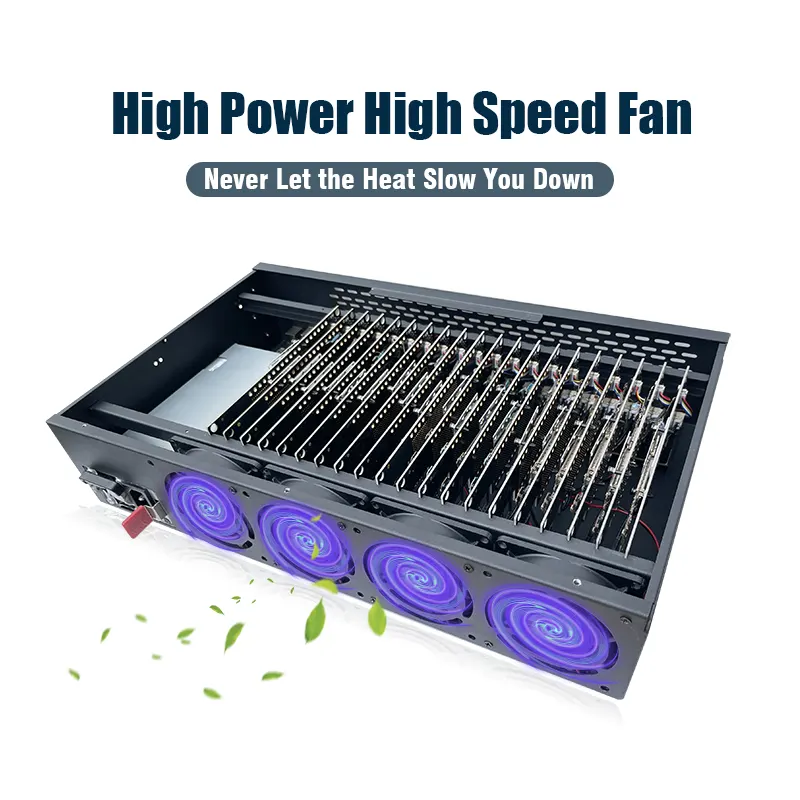
Step 4: Dialing in the Active Cooling
- Attach your 120mm fans to the front or rear mesh of the box.
- Configure a push‑pull setup: one side pushes cold air in, the other exhausts hot air out.
- Once powered on, put your hand behind the exhaust. If it feels like a hair dryer after 30 minutes of running your scripts, you need higher RPM fans.
In our PF boxes, we integrate smart fan controllers. If you’re building manually, err on the side of “louder and cooler.”
Step 5: Software Sync and Debugging
- Connect the main USB output to your control PC.
- Boot up your devices.
- Open your command terminal and type:bash
adb devicesYou should see all 20 devices pop up instantly.
If you only see 17 or 18 devices:
- Check your cables first (replace any long or unshielded ones).
- Then verify your USB hub is getting enough power; consider splitting into two hubs if needed.Related: How to Enable USB Debugging on Android for Phone Farm Use
Best Practices for 24/7 Automation
Building it is only half the battle; keeping it running for months is where the real money is made.
1. Monitor the Room Temperature
A great phone farm box can cool the devices, but it relies on the room’s ambient temperature.
- Keep the room under 75°F (24°C).
- Avoid placing the box in direct sunlight or near other heat sources.
2. Automate Reboots
Set up a script to restart your 20 nodes every 48 hours.
- Clears cache
- Prevents Android memory leaks
- Reduces long‑term slowdowns and random freezes
3. Network Is King
If you are running 20 nodes doing heavy tasks, a basic home Wi‑Fi router will choke.
- Hardwire your control PC via Ethernet.
- Consider a robust industrial router or enterprise‑grade AP.
- For larger farms, segment devices by VLAN or SSID to isolate traffic.
Common Mistakes (And How to Avoid Them)
Mistake 1: Using Long, Cheap USB Cables
- Standard 3‑foot cables cause significant voltage drop.
- Result: random reboots, ADB disconnects, failed scripts.
- Fix: Use shielded cables ≤20cm.
Mistake 2: One Massive USB Hub for All Devices
- Single controller handling 40+ ports becomes a bottleneck.
- Symptoms: devices not enumerating, random dropouts.
- Fix: Use multiple hubs, ideally one controller per 8–10 ports.
Mistake 3: Ignoring Airflow Direction
- Installing fans without a clear intake/exhaust path traps heat inside.
- Fix: Design a clear front‑to‑back or bottom‑to‑top airflow path and stick to it.
Mistake 4: Undersized Power Supply
- 20 devices at high load can exceed nominal current.
- Fix: Start with 5V/40A minimum, and leave ~20% headroom for peaks.
FAQ: 20‑Node Phone Farm Box
How much power does a 20‑node box consume?
It depends on device models and workload, but a typical 20‑node Android farm under load often draws 80–150W from the 5V rail. Using a 200W (5V/40A) PSU gives you comfortable headroom.
Can I mix different phone models in one box?
You can, but it’s not recommended for automation:
- Different power profiles
- Different ADB behavior
- Harder to maintain scripts
For best stability, use 20 identical devices.
Does this work with iOS devices?
Most phone farm setups focus on Android because of ADB. iOS automation is possible but requires different tooling and is generally more restricted. This guide assumes Android.
How do I monitor device health and disconnects?
Common approaches:
- Periodic
adb deviceschecks in a script - Logging disconnect events and reboots
- Using device management / MDM tools where available
We’re working on a dedicated monitoring guide; if you want an early draft, contact our engineering team.
Do you offer pre‑built 20‑node boxes?
Yes. Our 20‑node Phone Farm Boxes come with:
- Balanced power distribution
- Optimized airflow and fan curves
- Tested USB architecture for stable ADB
If your goal is to make money—via social automation, game testing, or proxy networks—this lets you skip the DIY headaches and focus on software. See our hardware lineup
A Final Word from the Assembly Line
Setting up a 20‑node phone farm box by yourself is a fantastic learning experience. It forces you to understand power loads, thermal dynamics, and hardware limitations.
However, if your goal is to make money—whether through social media automation, game testing, or running a proxy network—your time is better spent optimizing your software, not soldering wires and debugging overheating batteries.
That’s exactly why we started manufacturing these at PF. We got tired of seeing brilliant software engineers slowed down by bad hardware. If you’re looking to skip the DIY headaches and want a plug‑and‑play, industrial‑grade 20‑node system built by people who do this for a living, check out our hardware lineup. We’ve already done the hard work of balancing the power and airflow, so you can just plug it in and scale.
Next steps: