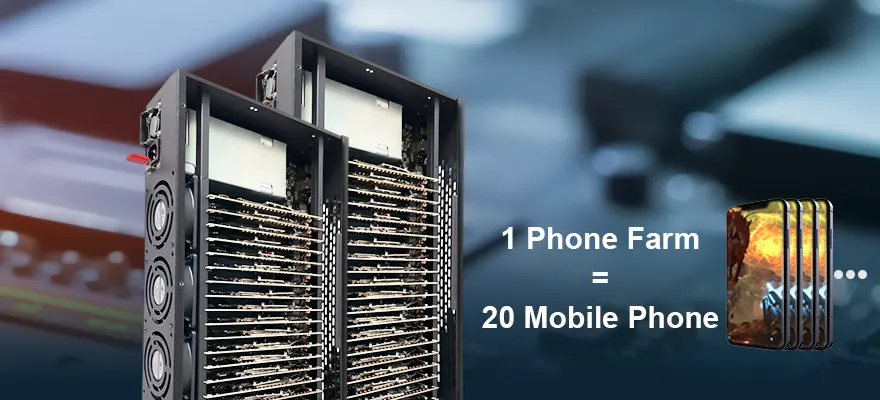



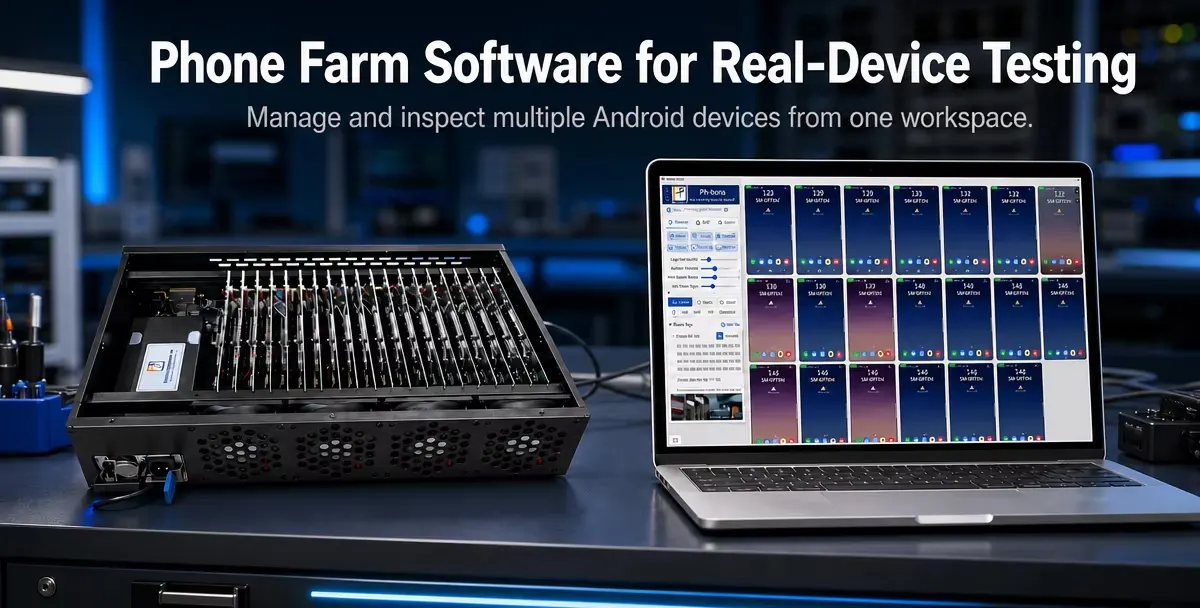
Can you use one computer to manage multiple Android phones and test your app across them?
Phone farm software can provide a central control layer for a collection of physical devices. However, the right solution depends on whether you need interactive device access, repeated operations across multiple phones, or automated tests that produce pass/fail results.
These are different requirements. Browser-based device management tools such as STF focus on remote access and debugging, while tools such as Appium Device Farm focus on managing device sessions for automated testing.
If you are researching phone farm software for testing, start by identifying the work you want to complete—not simply how many phones a system can display.
This guide explains what to look for, how to compare available approaches, and how to verify a setup before purchasing hardware or software.
What Is Phone Farm Software Testing?
Phone farm software testing uses a centrally managed collection of physical phones to support application testing.
A device farm gives developers and QA teams access to multiple real devices. Its purpose is to help them evaluate software across different device configurations rather than rely on a single test phone.
The software involved can serve several roles:
| Role | What it helps you do |
|---|---|
| Device management | Identify, organize, and access connected devices |
| Remote control | View screens and interact with phones from a computer |
| Batch operations | Repeat supported actions across a selected device group |
| Test orchestration | Assign available devices to automated test sessions |
| Reporting | Associate test results and failure evidence with each run |
Not every product includes all five roles.
Before comparing suppliers, determine whether you are buying a device-control tool, an automation component, or an integrated testing environment.
Can Phone Farm Software Help With Your App Testing?
A phone farm is worth evaluating when your workflow repeatedly requires access to multiple physical devices.
Start with the situations below and identify which ones describe your team.
You Need to Check Your App Across Different Devices
If your testing requires several Android models or operating-system versions, a device farm can provide shared access to the required hardware. Device coverage is a central purpose of real-device testing platforms.
Build your device list around your supported users and application requirements. Consider:
- Device models used by your customers.
- Android versions your app supports.
- Different screen sizes.
- Hardware features your app needs.
- Devices associated with reported problems.
A large group of identical devices may help with repeated execution, but it should not be treated as equivalent to a diverse compatibility test matrix.
You Spend Too Much Time Preparing Phones
Perhaps your team repeatedly installs builds, launches apps, resets test conditions, and checks individual screens.
In this case, evaluate batch-management functions before advanced automation features. Your initial requirement may be simpler than a complete unattended testing platform.
Write down the repetitive tasks you want to remove, then ask each supplier to demonstrate those exact tasks.
You Already Have Automated Tests
If you already use Appium, your priority may be connecting test jobs to available devices rather than adding another screen-control interface.
Appium Device Farm is an example of a tool designed to manage devices and create driver sessions for automated execution.
Verify how the proposed software fits into your existing framework, including device allocation, concurrent sessions, and result handling.
Should You Use Real Phones Instead of Emulators?
Use them for complementary purposes rather than assuming one must replace the other.
Android’s documentation recommends using emulators to test different platform versions and screen sizes, while also testing an app on a real device before release.
For a practical testing plan:
- Use emulators where they meet your development and coverage needs.
- Select physical devices for the release checks and hardware requirements you need to verify.
- Avoid buying a large device collection before defining the tests it must support.
The value of a phone farm comes from useful coverage and repeatable execution—not from replacing every virtual test with a physical one.
What Features Should You Look for in Phone Farm Software?
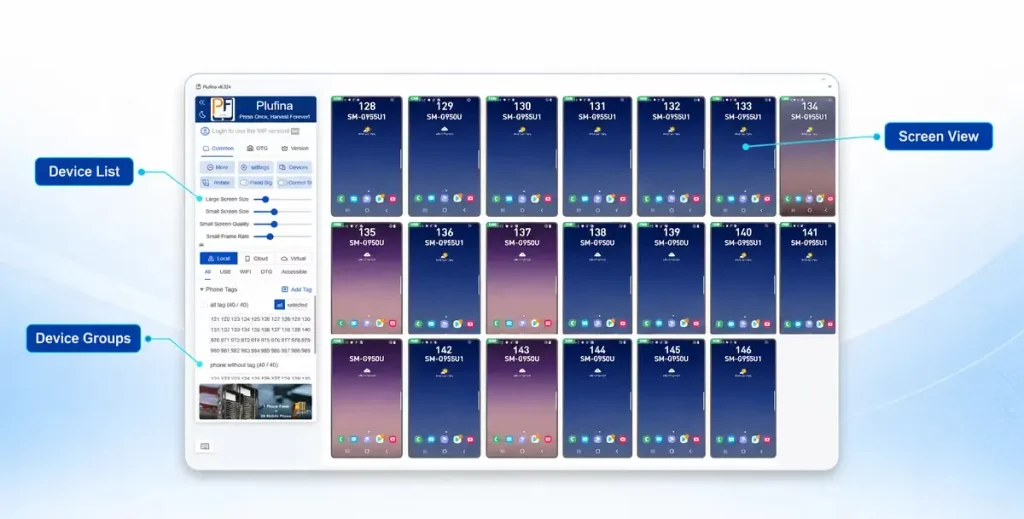
Evaluate features by the tasks they help you complete.
Device Inventory and Grouping
You should be able to identify the device you are using and understand whether it is available.
During a demonstration, ask how the software displays:
- Device model and Android version.
- Device identifier.
- Connection status.
- Current assignment.
- Device groups or labels.
Also ask how the system handles an unavailable device. A device list is useful only if it reflects the state of the hardware accurately enough for your workflow.
Remote Screen Access
Remote access allows engineers to inspect a phone without physically handling it. STF, for example, provides browser-based control and debugging of connected Android devices.github
Test screen access under the conditions you expect to use:
- Your intended number of visible devices.
- Your host computer.
- Your connection layout.
- Your required screen resolution.
- Your application running on the devices.
Do not accept a single-phone demonstration as proof of performance across a larger installation.
Batch Installation and Repeated Operations
If your main requirement is preparing multiple phones, ask whether the software can install your application across a selected group and report which installations succeeded.
For repeated operations, verify:
- How devices are selected.
- Whether actions can be limited to a group.
- What happens when one device responds differently.
- Whether failed actions are visible to the operator.
Your demonstration should use your own APK and a representative workflow whenever possible.
Automation Framework Access
If automated testing is required, ask how an external test runner connects to each device.
Appium supports parallel Android sessions, but its documentation requires appropriate device identification and session-specific port configuration to prevent conflicts.
Questions to ask include:
- Is framework integration documented?
- Does it require custom development?
- How are devices assigned to test workers?
- How are concurrent sessions isolated?
- How does the CI system receive the result?
A claim of “Appium support” should come with a clear integration explanation.
Logs and Failure Evidence
A failed test should provide enough information to investigate what happened.
Managed testing services such as AWS Device Farm provide logs and videos as part of their testing workflow.aws.amazon
When evaluating a self-hosted solution, ask which evidence is available and whether it can be associated with:
- The application build.
- The test case.
- The device.
- The execution time.
- The reported failure.
Confirm which artifacts are collected automatically and which require additional scripts or tools.
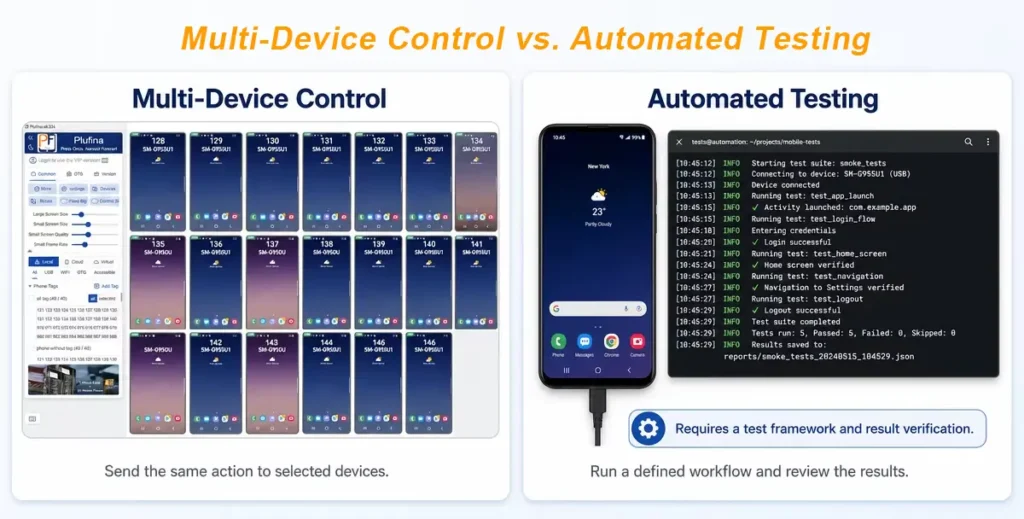
Is Multi-Device Control the Same as Automated Testing?
No. Multi-device control performs actions; automated testing must also evaluate outcomes.
For example, sending an “open app” action to several phones does not by itself prove that every phone reached the correct screen.
| Multi-device control | Automated testing |
|---|---|
| Sends actions to devices | Executes a defined test workflow |
| Helps with repeated manual operations | Checks expected outcomes |
| Provides interactive visibility | Produces test results |
| May require an operator to judge success | Uses assertions or other verification logic |
Both capabilities can be useful, but they answer different needs.
If your objective is unattended regression testing, verify the test framework and reporting workflow separately from the software’s group-control features.
Which Type of Solution Should You Choose?
Compare solutions according to the work you need to complete.
Multi-Device Control Software
Start here if your priority is centralized operation, device preparation, and interactive checking.
Evaluate the supported batch actions and how much manual supervision remains necessary.
Self-Hosted Device Management
Consider this category when you want a shared pool of devices accessible to your team.
STF illustrates the browser-based management approach, with remote device control and debugging as its core purpose.
Check what additional components you need for scheduling, automation, and reporting.
Appium-Based Device Orchestration
Consider this approach when you already have—or plan to build—framework-based automated tests.
Appium Device Farm focuses on managing available devices and driver sessions. It is an automation component, not simply another name for screen mirroring.github
Managed Device Clouds
Consider managed services when you want access to provider-operated real devices.
AWS Device Farm, for example, offers testing across physical mobile devices with parallel execution and diagnostic artifacts.
Compare the available device inventory, integration requirements, and pricing against your actual workload.
Is a Self-Hosted Phone Farm Cheaper Than Cloud Testing?
There is no universal answer.
AWS Device Farm offers both device-minute pricing and monthly concurrency-slot plans, so cloud testing should not be evaluated using only one billing model.
For a self-hosted setup, include:
- Devices or motherboard-based hardware.
- Host computers and connectivity equipment.
- Software licenses.
- Integration work.
- Power and cooling.
- Replacement hardware.
- Maintenance time.
For a managed service, include:
- Expected usage.
- Required concurrency.
- Applicable subscription options.
- Integration and test-maintenance work.
Compare equivalent coverage and workloads. A hardware purchase price alone does not establish the total cost of running a testing environment.
What Hardware Compatibility Should You Verify?
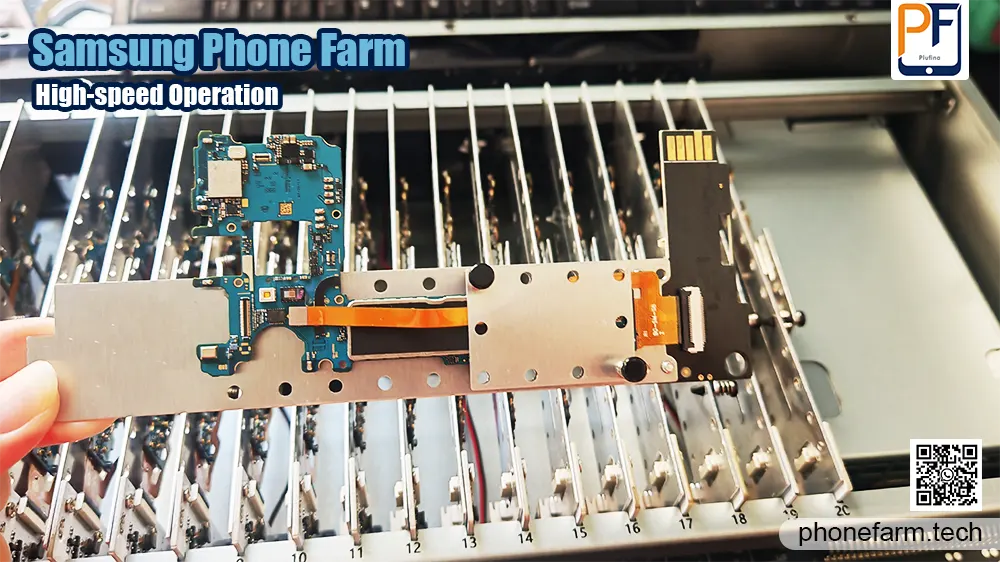
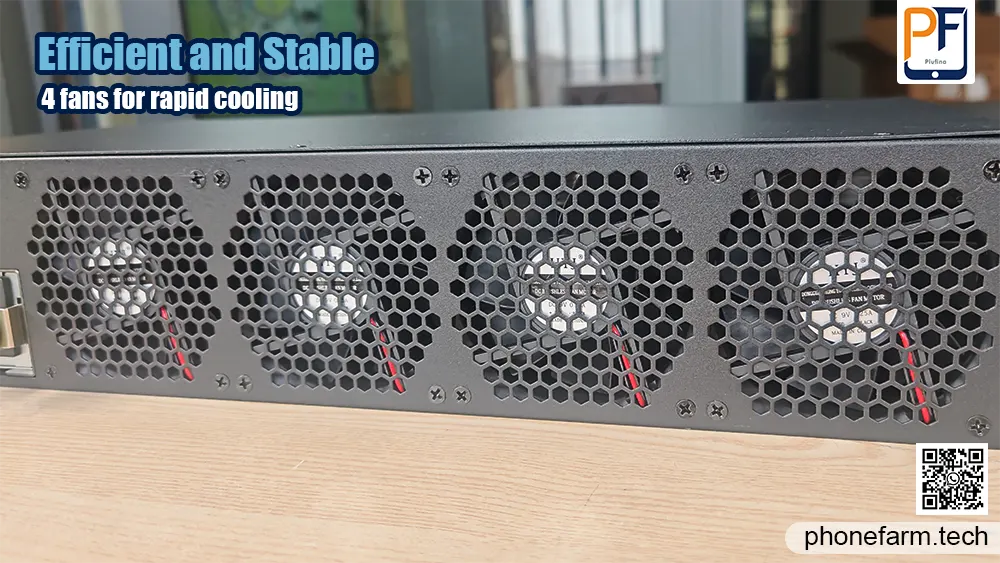
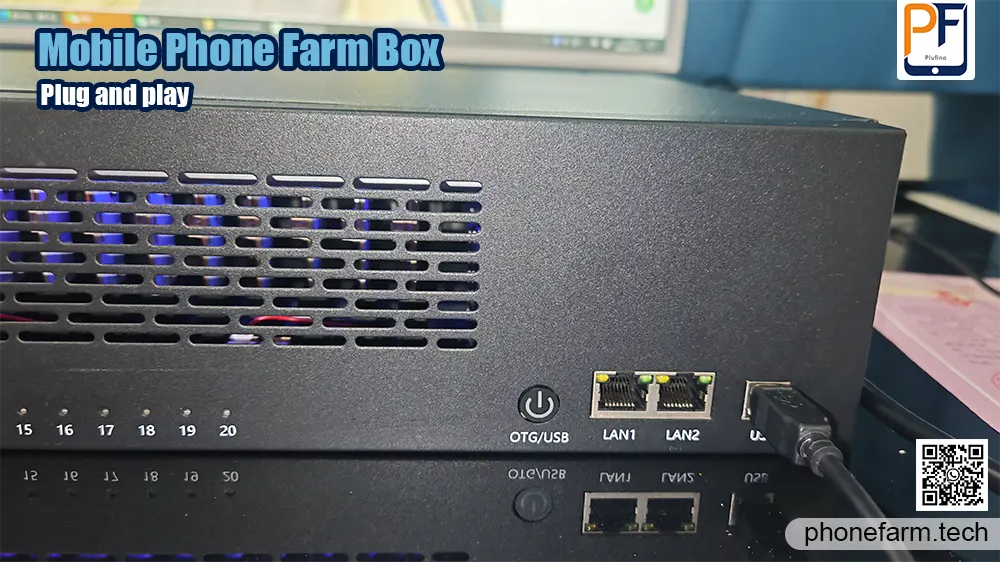
Before selecting a phone farm box or device cluster, confirm that its configuration matches your tests.
Ask whether the proposed hardware uses complete phones or motherboard-based units. Then verify the components your application requires, such as:
- Cameras and microphones.
- GPS and motion sensors.
- Bluetooth and NFC.
- SIM slots and cellular connectivity.
- Display and touch input.
- Battery and charging functions.
Treat these as configuration checks, not assumed features.
Also request the supported device models, Android versions, host operating systems, and connection requirements in writing.
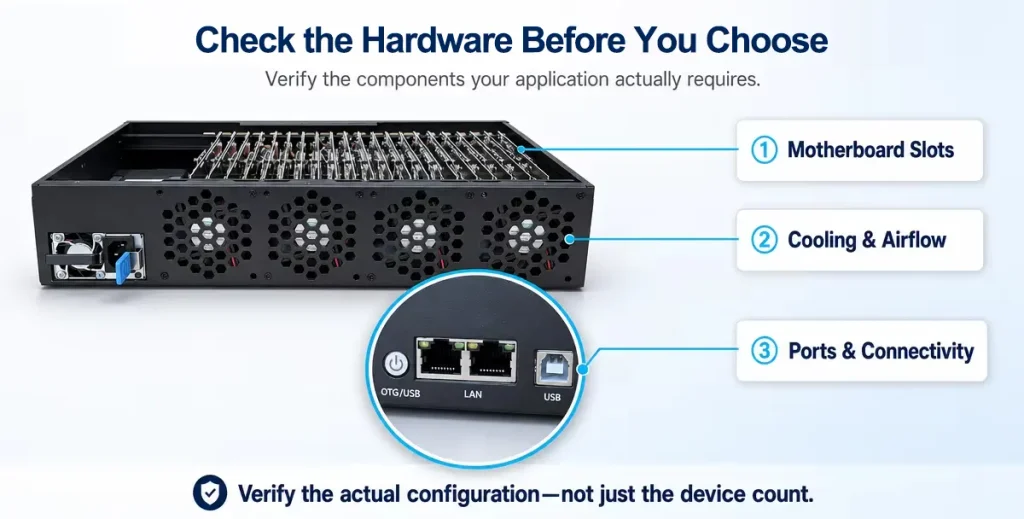
How to Test a Phone Farm Setup Before Buying
A representative pilot is more useful than a feature list.
Use the following process to evaluate the proposed setup.
1. Define a Small, Relevant Device Group
Choose devices that represent your compatibility requirements and intended workload.
Do not select the pilot devices solely because they are convenient for the supplier.
2. Install Your Own Application
Check installation, launch, and update behavior.
Confirm whether errors are visible and whether you can identify the affected device.
3. Run a Real Workflow
Use a workflow that matters to your team, such as onboarding, navigation, or another approved test scenario.
Record which steps are centralized and which still require manual intervention.
4. Check Recovery
Restart or disconnect one device under controlled conditions.
Observe whether it reconnects, whether its status updates correctly, and whether it becomes available for another task.
5. Verify Automation and Evidence
If you require automated testing, run your own test suite rather than relying only on the supplier’s demonstration.
Confirm that each execution produces a usable result and the expected diagnostic evidence.
6. Agree on Acceptance Criteria
Document the configuration that passed the pilot, including:
- Device models.
- Host specification.
- Concurrent workload.
- Software version.
- Included functions.
- Additional integration work.
- Support responsibilities.
Use that configuration as the basis for expansion.
Frequently Asked Questions
Can I Control Multiple Android Phones From One Computer?
Tools such as STF provide centralized remote access to Android devices. The supported device count and responsiveness should be verified on the configuration you intend to use.
Does Phone Farm Software Support Appium?
Some solutions can participate in an Appium workflow, but integration varies. Appium Device Farm is specifically designed for device and driver-session management; other control tools may require additional integration.
Do I Need Coding Skills?
Interactive control and framework-based automated testing are different workflows. Ask the supplier to demonstrate the tasks you need and identify which require scripts, test code, or technical configuration.
Can I Use My Existing Phones?
Provide the supplier with your device models and Android versions, then verify compatibility with a pilot. Do not assume that every Android phone is supported equally.
How Many Devices Should I Start With?
Start with a representative group that validates your workflow. Expand after you have confirmed compatibility, concurrent execution, recovery, and reporting.
What Should I Ask Before Requesting a Quote?
Provide your device requirements, expected concurrency, automation framework, required peripherals, and preferred hosting approach. Ask the supplier to separate hardware, software, integration, and support costs.
Choose a Phone Farm Around Your Testing Requirements
The right phone farm software is the solution that completes your testing workflow—not necessarily the one with the most screens or the longest feature list.
Define the devices you need, distinguish interactive control from automated verification, and validate the proposed setup using your own application.
Planning a real-device testing environment? Share your target Android models, expected device count, and testing requirements so the hardware and software configuration can be assessed before deployment.