


When I first got into phone farming, I just piled old phones on a desk and plugged them into a computer. Within a week, it was a disaster—cables everywhere, phones overheating, software constantly disconnecting.
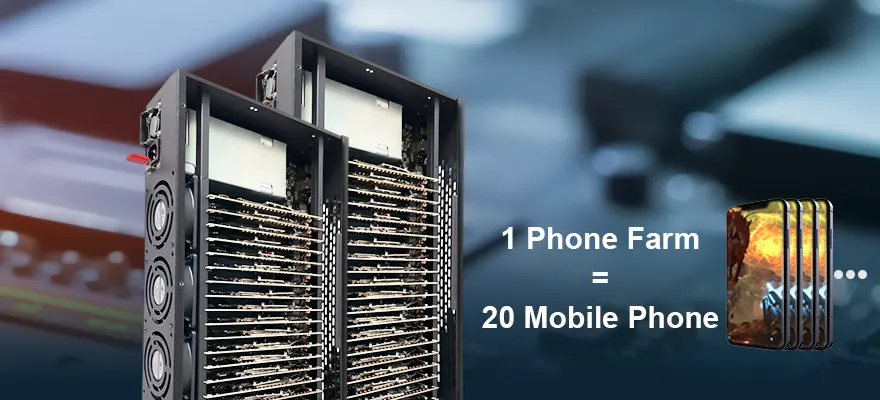
That’s when I discovered phone farm boxes. They’re metal chassis that hold dozens of phone motherboards, handle all the cables, and let one computer control everything. Now I manage 50 devices easier than I used to manage five.
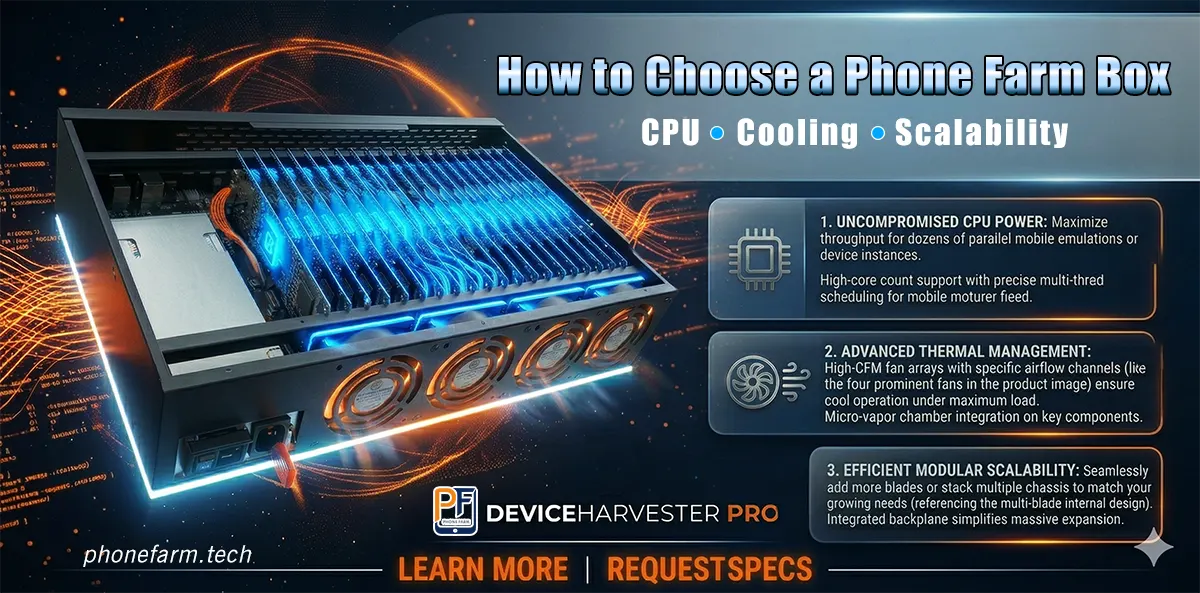
But not all boxes are equal. I bought three setups total—the first two were basically tuition. Looking back, only three things really matter: CPU, cooling, and scalability. Get these right, and the rest takes care of itself.
CPU: Don’t Skimp on the Brains
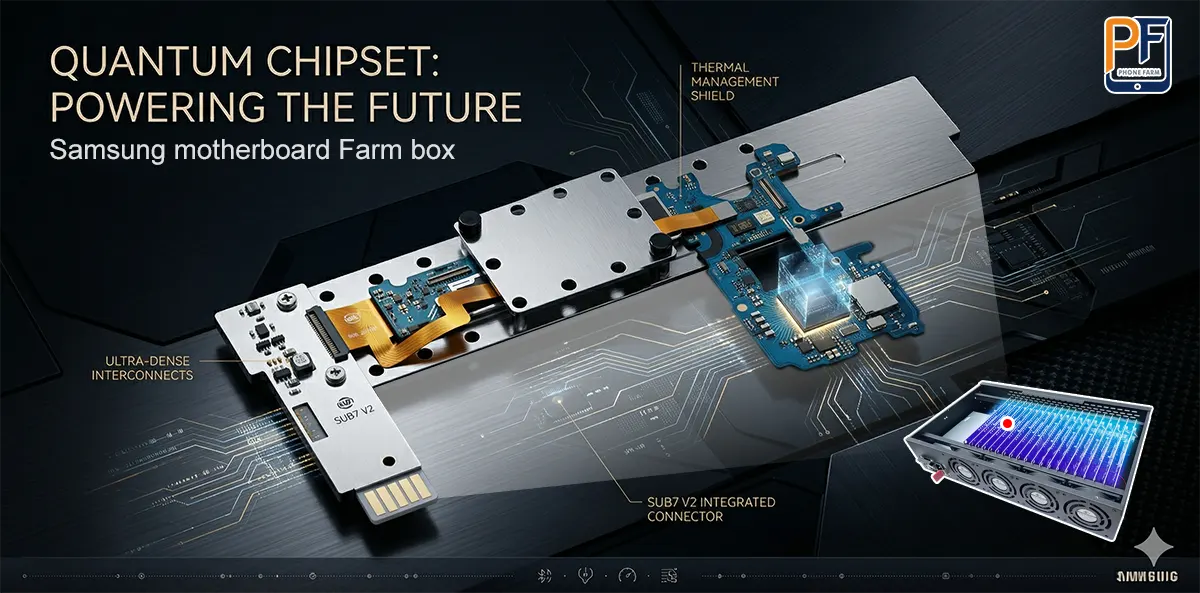
When I say CPU here, I’m not talking about your control PC. I’m talking about the processor on each motherboard. I learned this the hard way. I cheaped out on some older boards once, and the CPUs were just too weak. Running a few apps at once caused lag. Scripts would crash halfway through. Even clicking something in the control software took seconds to respond.
Now, here’s what I look for:
- Chipset matters: Snapdragon 835, 845, 865, or the equivalent Exynos models. These can handle 8–9 apps running at the same time without choking. The control software stays responsive. Honestly, a Snapdragon 845 board hits the sweet spot—great performance for most tasks like video browsing and automation, and it uses less power than the newer flagship chips.
- Don’t skimp on RAM: For light tasks—likes, follows, simple scripts—4–6GB is the bare minimum. If you’re running more complex automation, simulating games, or multitasking heavily, go for 8GB.
- Storage depends on use: 64–128GB is fine unless you’re caching huge amounts of video or data.
These days, when I’m buying a box, I make the seller tell me exactly what motherboard model is inside. If they’re vague about it, I walk.
Cooling: The Make-or-Break for 24/7 Uptime
Phones hate heat. When you stack a bunch of motherboards together running 24/7, bad cooling will kill you. Devices throttle down, crash, and eventually die early.
I once tried a box that claimed to have cooling. It had two tiny fans and a cheap airflow design. Three days in, half the boards were overheating, and the whole chassis was hot to the touch. The box I replaced it with has six fans, proper airflow channels, and even with the room at 32°C (about 90°F), motherboard temps stay around 35°C. Never had a problem since.
Here’s what I check:
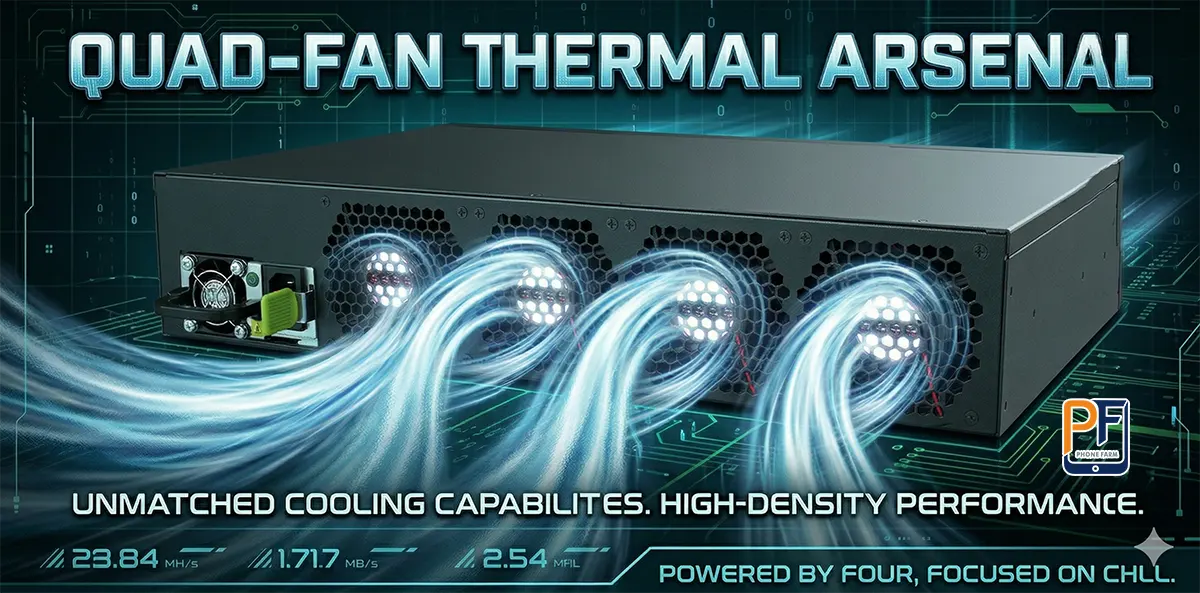
- Active cooling is mandatory: If you’re running fewer than 20 devices in an air-conditioned room, maybe you can get away with passive cooling. Anything more, and you need fans. A good box has 4–8 fans, and better ones have temperature sensors that adjust fan speed automatically.
- Airflow design matters: Good boxes direct air through the gaps between boards so every board gets airflow. Cheap ones just stick fans in random spots, leaving hot pockets where some boards cook while others stay cool.
- Test it yourself: After you get a box, run a 24-hour stress test. Monitor temps through your control software. If any boards consistently go above 45–50°C under load, that cooling system isn’t doing its job.
Scalability: Leave Room to Grow
You’re not going to stick with 20 devices forever. Eventually you’ll want to scale up. If your box isn’t built for expansion, you’ll have to replace everything—and that gets expensive.
Here’s how I think about it:
- Density per box: 20–32 slots is a good starting point. Enough to be useful, but not so packed that cooling becomes a headache. Those 64- and 128-slot monsters exist, but they need serious power and a beefy control PC—probably overkill for most people starting out.
- Stackable or modular design: Good boxes can be stacked or daisy-chained without rewiring everything. My current setup is two identical boxes stacked together, sharing one computer. Adding the second one took almost no effort.
- Control PC specs: The computer running your group control software has to keep up. Here’s what I’ve found works:
- CPU: At least an i5 or Ryzen 5, preferably 12th-gen or newer
- RAM: 16GB minimum, 32GB if you want it to feel smooth
- GPU: If your software shows live phone screens, you’ll want something like a GTX 1650
- USB: Get a decent powered USB hub
I started with an old i5 PC running 20 devices. When I scaled up to 60, the PC became the bottleneck. After upgrading the PC, adding a second identical box was a breeze. No wasted hardware.
My Buying Checklist and Lessons Learned
Here’s the mental checklist I go through now before buying any phone farm box:
| Factor | What I Look For | What Screams “No” |
|---|---|---|
| Budget Level | Entry ($500–800): 20 slots, decent fans, mid-tier CPUs Mid ($900–1200): 32 slots, 6+ fans, Snapdragon 845 class Premium ($1500+): Stackable, sensors, 64+ slots | Huge slot count with suspiciously low price |
| Verify Specs | Exact motherboard model, fan count, total power draw. Ask for photos of internal airflow. | Vague terms like “high performance” or “cooling included” with no details |
| Power & Noise | Calculate total wattage (usually 5–8W per board). If it’s in your living space, check fan noise level. | High power draw with bad cooling, or fans that sound like jet engines |
| Software | Confirms compatibility with common group control tools (like Total Control, Panda, etc.) | Only works with some janky proprietary software |
| Build Quality | Metal chassis, decent gap between boards for airflow | Plastic housing, boards crammed so tight they’re almost touching |
Bottom line: spending 20–30% more for better cooling and quality CPUs will save you money in the long run—fewer headaches, fewer hardware failures, less downtime.

SAMSUNG S20 Farm 8+128Gb
• 20 Nodes: Exynos 7420, Android 7
• Optimized for Basic Automation
• Reliable 550W PSU & 4-Fan Cooling
• Pre-installed Management Software
Wrapping Up
Choosing a phone farm box isn’t complicated if you keep the priorities straight:
- Start with the CPU: Make sure the motherboard chips can handle your workload. Snapdragon 845 or better is a safe baseline.
- Lock down cooling: At least 4 fans, proper airflow, able to keep temps in check 24/7.
- Plan for expansion: Stackable design, and make sure your control PC has enough headroom for when you inevitably add more devices.
This is exactly how I landed on the PF Box from phonefarm.tech. Good hardware, solid cooling, straightforward software, and documentation that actually helps. Been running it for months without issues.